For social media teams, agencies and brands
Make memes for your business
Reaction meme videos are quick to make and people share them: a famous meme clip keyed over a photo of your shop or product, with a caption your customers recognise. Green Screen Memes has over 2,000 of those clips, most with their original sound. There are two ways to make memes with them in volume: by hand in the browser, or with an AI agent that makes whole batches.
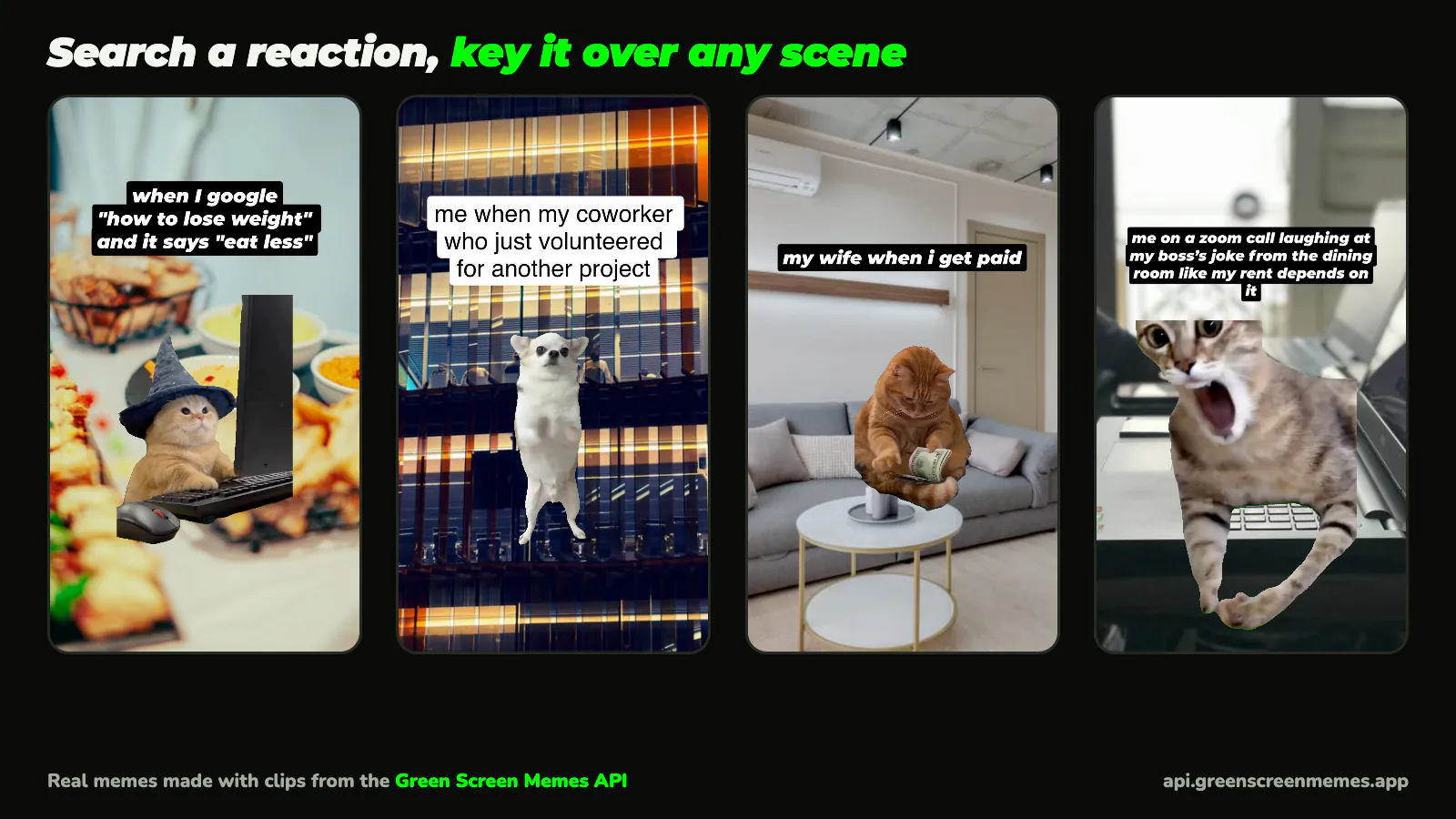
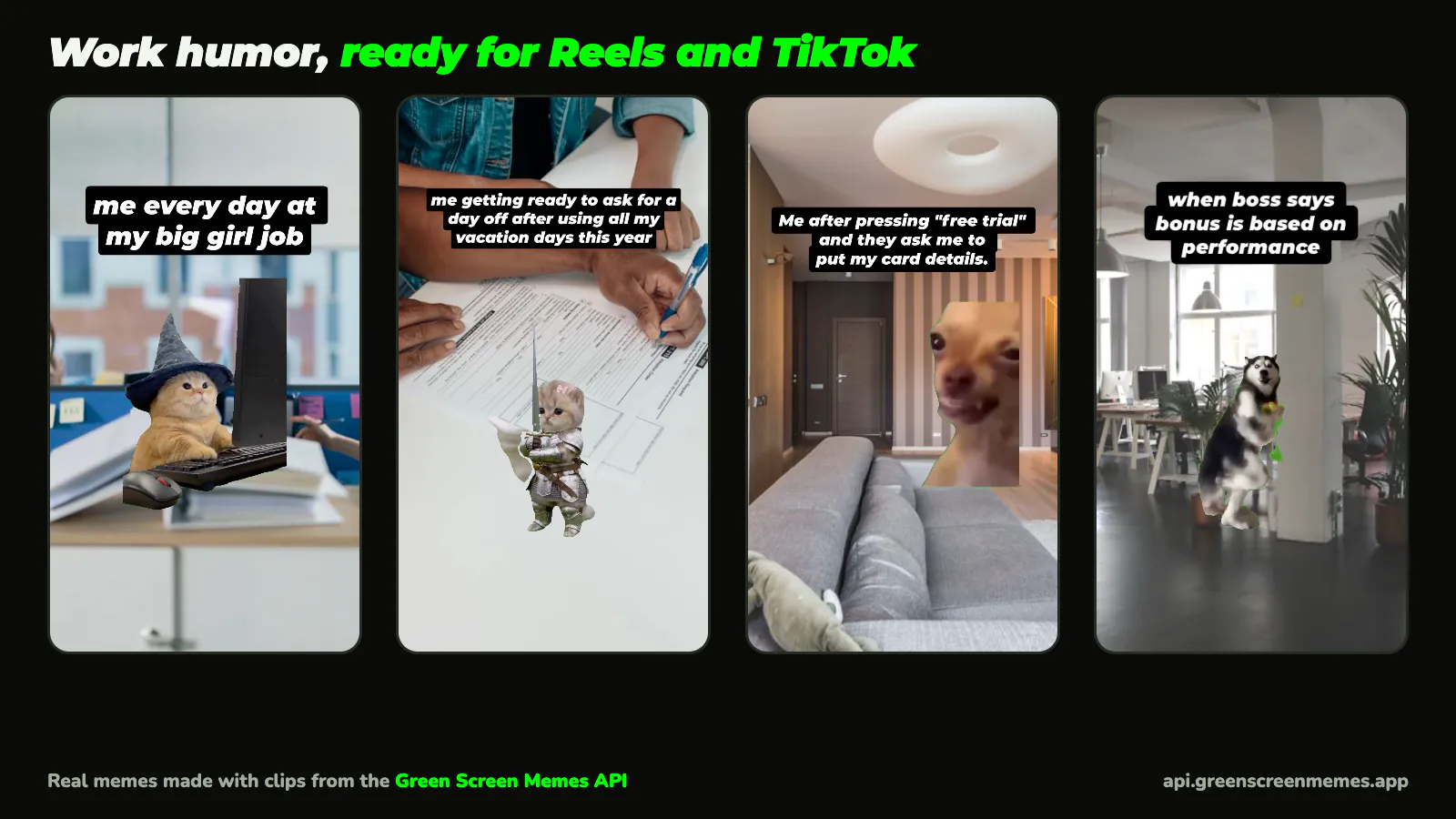
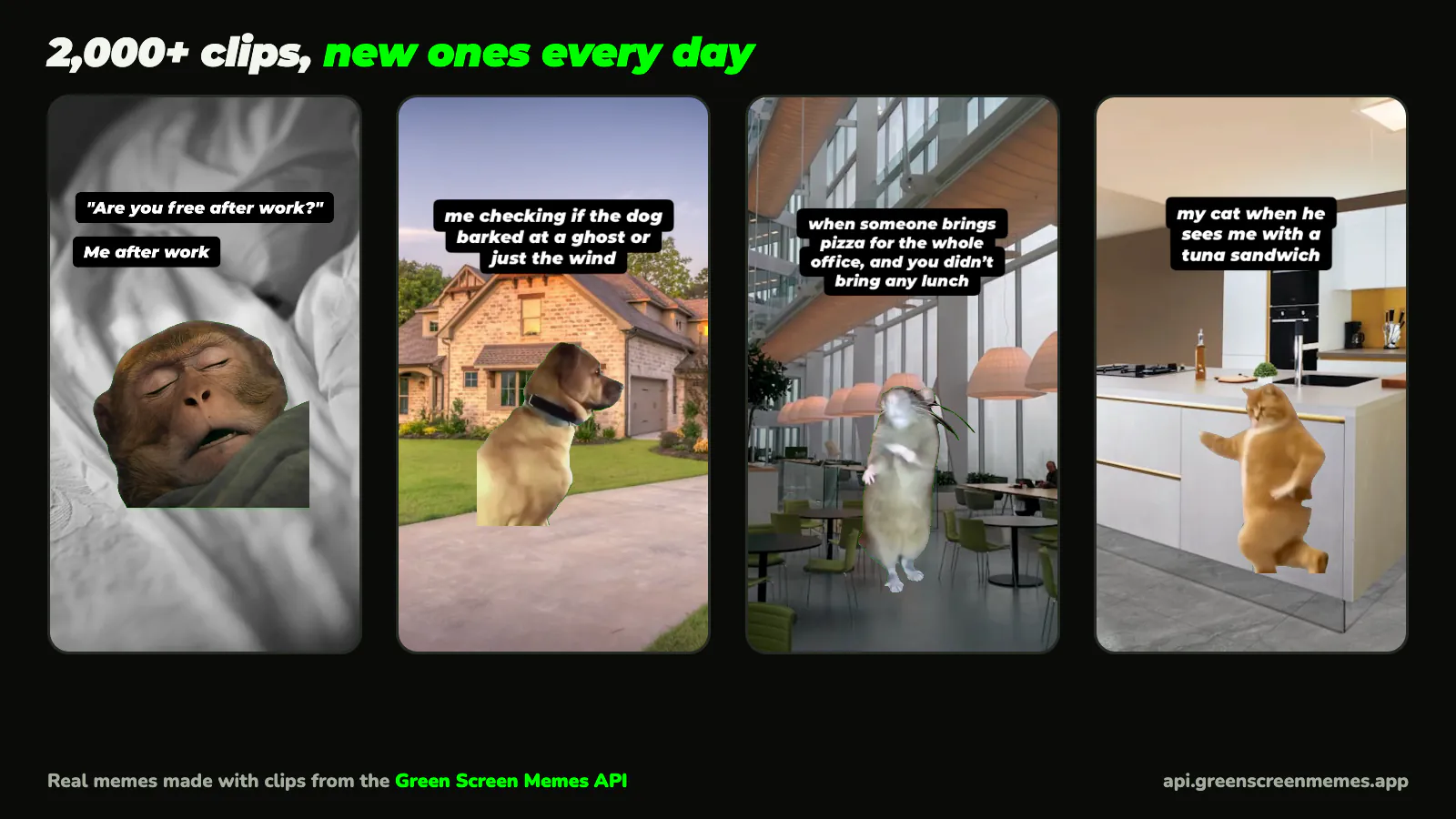
Two ways to make memes at scale
No code: the studio
A few memes a week, made by hand
- A browser editor at studio.greenscreenmemes.app, with the same templates and green screens as the iPhone app.
- Put a green screen over your own photo or video, write the caption, add a sound, and export a 1080×1920 MP4.
- The AI meme maker turns an idea ("Monday", "my boss") into a captioned meme you can edit, one at a time.
- Free, with a small watermark on free exports. Sign in with Google or email to export.
Automated: your AI agent
Batches of dozens, a daily post, several clients
- Claude Code, Cursor or Codex connects to the Green Screen Memes API over MCP.
- You describe the batch once. The agent writes captions, searches clips by reaction, keys each one over your photos with FFmpeg and saves the MP4s.
- It can start from what's trending in the app today.
- Free Sandbox key to try it; publishing needs a paid plan, from $49 a month.
Which one? If you post a few memes a week, or nobody on the team uses a terminal, start in the studio. If you need a batch every week, a post every day on a schedule, or memes for several clients, an agent saves the most time. You can also use both: an agent for volume, the studio to fine-tune the ones that matter most.
What makes a good business meme
- Your scene, a famous reaction. Key the clip over your shop, product, menu, office or app screenshot. The reaction gets attention; your photo makes it yours instead of a repost.
- Your customers' situation, not your slogan. "When the oat milk runs out at 8:59" works; "Try our new oat latte" doesn't. One or two short lines.
- What's trending now. Formats move fast.
GET /v1/trending(or the agent'sget_trendingtool) ranks the clips people use most in the Green Screen Memes app right now. - Keep the sound. Most clips carry the meme's original audio, and it's half the joke.
- Animals, objects and cartoons for anything you'll boost. Clips of identifiable people stay in organic posts.
- Make more than you post. Make three takes of each idea and post the one that lands.
How it works for a coffee shop
Twelve memes for a week of Instagram Reels, from one afternoon of photos.
-
Take ten photos of the shop
The counter, latte art, the pastry case, the morning queue from behind, the empty room at closing. Phone photos are fine. Leave the bottom third fairly plain, because that is where the clip goes, and keep customers’ faces out.
-
Write the moments
Situations your regulars live through, in their words: "when the oat milk runs out at 8:59", "me telling myself the second croissant is for later", "Monday before coffee vs after". Write twenty, or ask the agent for twenty, and keep the best ten.
-
Make the memes
In the studio: pick a green screen (search "excited", "shocked", "dancing"), add your photo under it, type the caption and export. A few minutes each.
With an agent: paste one prompt, and it makes the whole batch:
Prompt for Claude Code, Cursor or Codex Make 12 vertical meme videos for our coffee shop's Instagram. Backgrounds: the photos in ./photos. For each one: write a caption about a moment our regulars would recognise, pick a green screen clip that fits (animals, objects or cartoons only, since we may boost some as ads), look at its thumbnail first, key it over the photo keeping the clip's sound, and save it as a 1080x1920 MP4 in ./memes. Check what's trending first and use a trending clip where one fits. Finish with captions.csv: file name, caption, clip name. -
Check them and post
Watch each one with the sound on and drop the ones that miss. Anything with an identifiable person in the clip stays an organic post, never a boosted one. Then schedule them through the week.
Set up an agent
You need a key (the Sandbox key is free), FFmpeg on the machine, and one of these.
Claude Code plugin
Add the Green Screen Memes marketplace, then install the plugin with /plugin install green-screen-memes@green-screen-memes. It adds the MCP server (reading your key from GSM_API_KEY) and a make-memes skill. The source is on GitHub.
/plugin marketplace add green-screen-memes/green-screen-memes-apiOr connect the MCP server directly
claude mcp add --transport http green-screen-memes https://api.greenscreenmemes.app/mcp \
  --header "Authorization: Bearer $GSM_API_KEY"
Cursor, Codex and other MCP clients use the same URL and Authorization header; the MCP page has the configs for Cursor and Claude Desktop. Agents without MCP can call the REST API. To build your own pipeline instead, see the FFmpeg and Remotion guides.
Pricing
Studio: free to use. Free exports carry a small watermark, and each account gets 10 AI memes. Pro removes the watermark and makes 100 AI memes a month; it's in the iPhone app now and coming to the studio.
API, for agents and pipelines:
| Plan | Price | Video downloads / month | API calls / month | Requests / minute | For |
|---|---|---|---|---|---|
| Sandbox | Free | 50 | 30k | 120 | For building and testing |
| Starter | $49/mo | 2k | 100k | 120 | Use in apps and published videos |
| Growth | $199/mo | 20k | 1M | 600 | Use in apps and published videos |
| Enterprise | from $999/mo | 200k | 10M | 600 | Custom terms and uptime commitment |
In US dollars; yearly billing is 20% off. A video download is one clip fetched once: the agent keeps the file, so one clip used in ten memes counts once. Searching and thumbnails don't use downloads. Nothing is billed past a plan; at the limit, requests stop until the next month or an upgrade.
What you can use them for
These are internet memes. Green Screen Memes makes and curates the green screen versions, but the original footage isn't ours and no plan hands you rights to it, so how you use a clip is your call and your responsibility. Posting memes on your own or your clients' accounts is what people use them for, and a paid API plan allows that, commercially included. Don't put clips of identifiable people in paid ads, sponsored posts or endorsements; animals, objects and cartoons are fine there. If a rights holder has a clip taken down, stop using it (GET /v1/removed lists them). The terms have the details.
Questions
Is there a free way to make memes for my business?
Yes. The Green Screen Memes studio is free to use in the browser: sign in with Google or your email to export. Free exports carry a small watermark. The API's Sandbox key is free too, but it's for building and testing; publishing what an agent makes needs a paid plan, from $49 a month.
Can I make memes in bulk?
With an AI agent and the API, yes: one prompt can make a dozen or a hundred, each with its own caption, clip and background. The studio makes them one at a time, which suits a few a week.
Can I use these memes in ads?
In organic posts on your own or your clients’ accounts, yes, on a paid API plan. In paid ads, sponsored posts or endorsements, only clips without identifiable people: animals, objects and cartoons are fine. The original footage isn’t ours, so how you use a clip is your responsibility.
Do I need to code?
Not for the studio. For batches, the agent does the technical part: it calls the API, downloads clips and runs FFmpeg. You need Claude Code, Cursor or Codex installed, FFmpeg on the machine, and a key.
Can I put my own products and photos in the memes?
Yes, and you should: the clip is keyed over any photo or video, so the scene is your shop, your product or your screenshot. In the studio, add your photo or video and put a green screen on top.
Does it write the captions?
The studio’s AI meme maker turns an idea into a captioned meme (caption, clip and background) that you can edit. Over the API, your agent writes the captions; give it your brand’s voice and a few examples.
What format are the videos?
Vertical 1080×1920 MP4s with the clip’s sound, ready for Instagram Reels, TikTok and YouTube Shorts.
How many memes does a plan cover?
A plan counts clip downloads, not memes. Your agent keeps each clip it downloads, so using one clip in ten memes counts once. Starter’s 2,000 downloads a month is about 65 new clips a day.
Make your first batch
In the studio by hand, or with an agent and a free key.